
.png)
E-Commerce Shipping Integration with Sendcloud
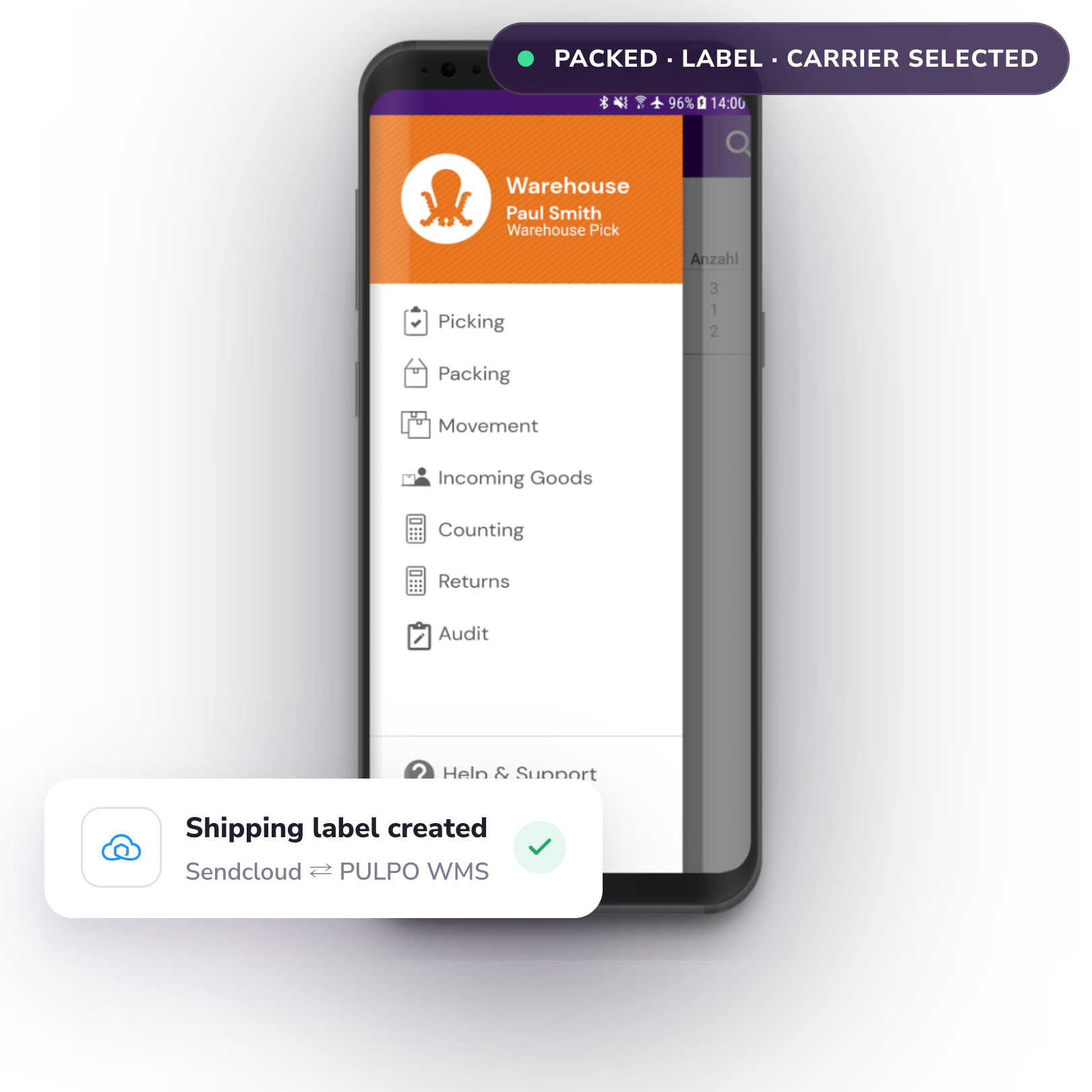
PULPO Warehouse Management System and Sendcloud have partnered to provide a flawless integration to Sendcloud's shipping automation.
- Streamline your warehouse management and shipping process in one place
- Process orders fast and error-free
- Get access to a wide range of carriers
Benefits of Sendcloud and PULPO WMS Integration
Fast and Error-free Order Processing
With PULPO and Sendcloud integration, generating national and international shipping labels becomes effortless. Implement intelligent shipping guidelines to enhance your fulfillment operations' efficiency and significantly reduce the likelihood of mistakes.
Break Free from Relying on a Single Carrier
Embrace the advantage of selecting from the best shipping options by integrating with various carriers. Simplify the addition of new carriers with a mere click through the Sendcloud settings.
Efficient Returns Management
Facilitate the handling of returns through this portal, regardless of the initial shipping method or carriers used, and offer the flexibility of customizing return fees, options, and implementing product- or country-specific restrictions.
How to Integrate PULPO WMS and Sendcloud
-
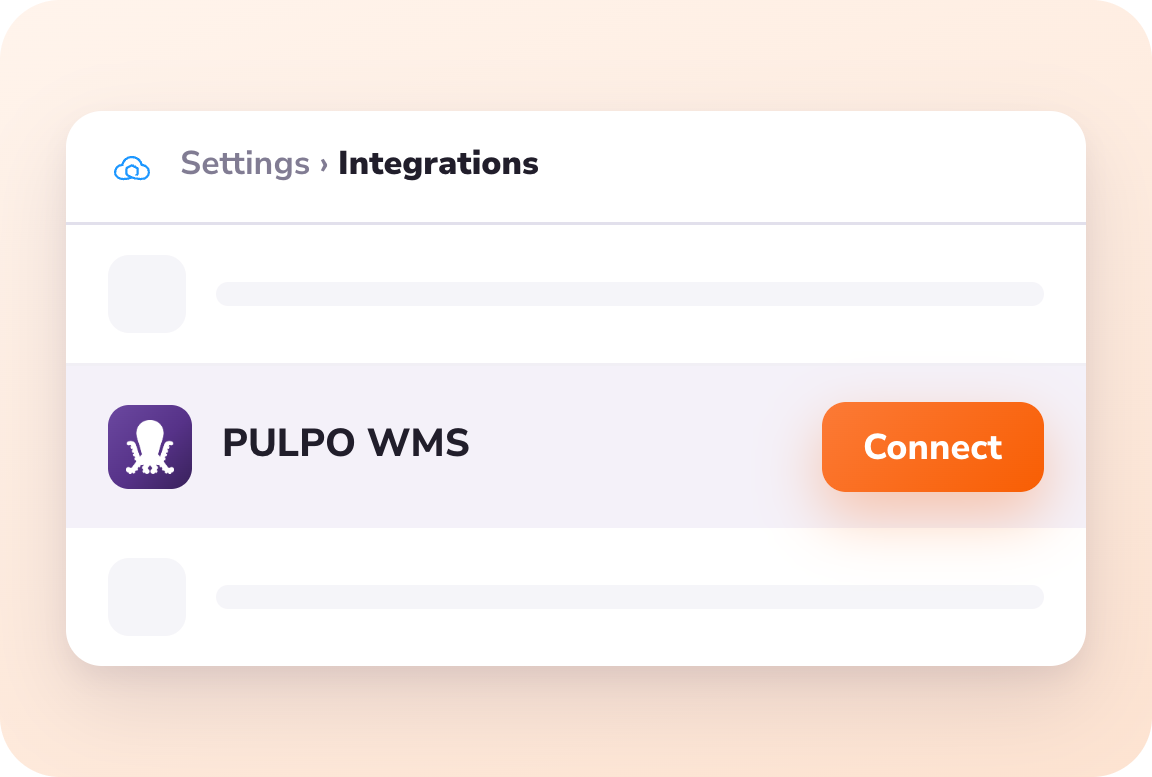 01
01Connect
To install PULPO: Go to the Sendcloud panel > Settings > Integrations and click on Connect.
-
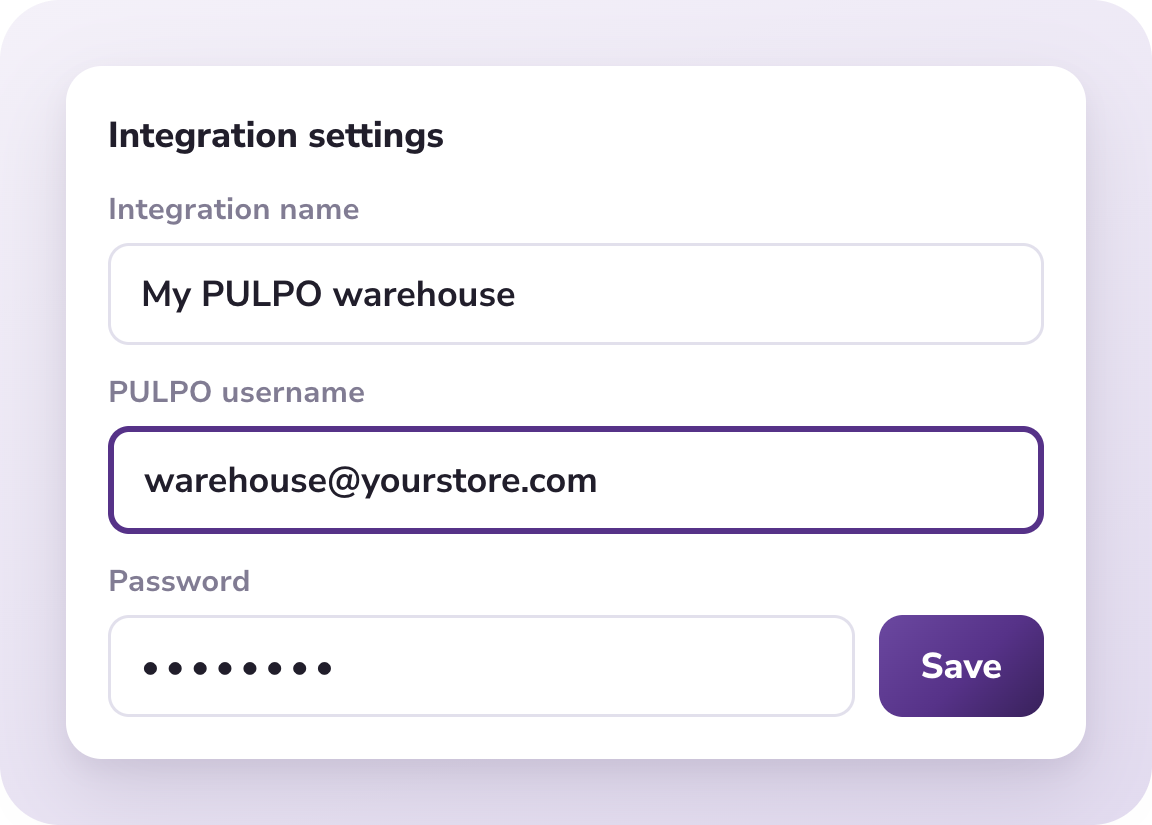 02
02Setting
An integration settings page is displayed. Enter the name of the integration and your PULPO credentials so the authentication is performed.
-
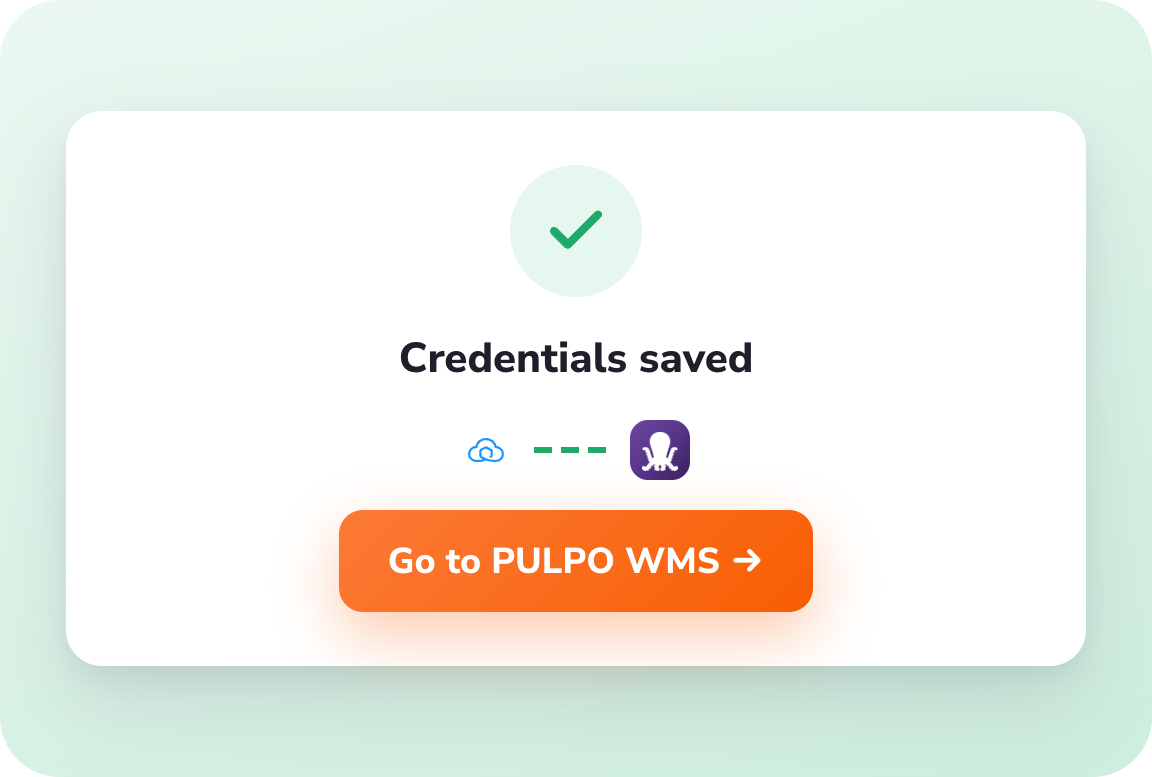 03
03Successful Integration
After valid credentials are saved, a button will be enabled that leads to the application site.
Skyrocket your E-Commerce success
Jump aboard with PULPO WMS and witness your business reach dazzling heights, delighting customers and increasing sales like never before!
Book a demo